















































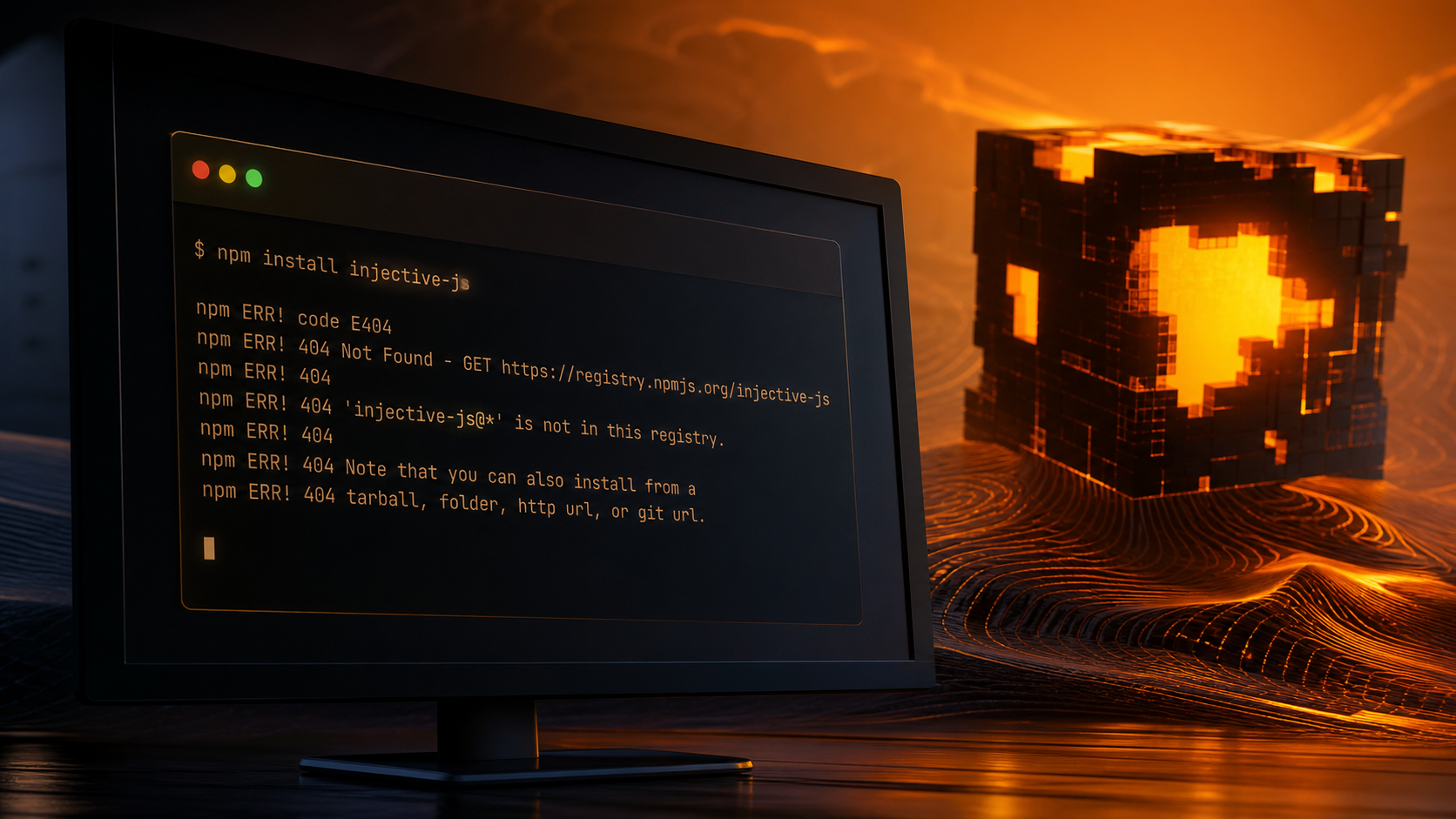
Hackers Tried to Backdoor Injective npm Package to Steal Wallet Keys
Last week, attackers created a fake JavaScript package meant to steal wallet credentials from developers. The setup was blunt: copy the shape of the real package name, wait for one rushed install command, then grab private keys. Someone caught it before the damage spread. My take: this is exactly the kind of boring attack people underestimate because it does not look cinematic.
How the Attack Worked
Supply chain attacks put malicious code inside libraries developers pull into their projects. Most people do not audit every install. The attackers knew that. It works.
The Fake Package
Attackers registered “injective-js” as a package. The real one is “injective-ts.” That is typosquatting, not wizardry. A developer types the wrong name, installs the fake version, and the machine is compromised.
The package targeted private keys and seed phrases—the actual keys to crypto wallets. With those, an attacker does not need to “hack the blockchain.” They just empty the wallet.
How It Would Have Worked
Once installed, the fake package would scan for private keys or seed phrases on the developer’s machine and transmit them to servers the attackers controlled. Why does this matter? Because the compromise happens before any transaction warning or wallet confirmation screen can save you.
Malicious code does not need to look suspicious. It can sit beside legitimate libraries and do nothing obvious. Most guides say developers should simply “review dependencies.” That is only half right. In real projects, the weak point is often the one package name typed from memory at 11 p.m.
How It Was Caught
Security researchers flagged unusual behavior and reported it to npm and Injective. npm delisted the package within 24 hours. I’ll be honest: 24 hours is fast, but in wallet security, “fast” can still be too slow.
Detection
The npm registry distributes millions of packages daily. A fake package only needs a small window. A few hours is enough.
Injective’s Response
Injective published an alert: if you installed “injective-js,” check for signs of compromise. Look for unexpected network connections. If uncertain, rotate your keys. They did not minimize what happened or bury it in PR language. They explained the attack. They explained what to do. That transparency probably kept people from losing money.
What This Means for You
Why Supply Chain Security Matters
Developers should audit their dependencies, but counter to the usual advice, “audit everything” is not a plan. Use vulnerability scanners. Read critical code when possible. Pin package names carefully. Check the maintainer and registry page before installing anything close to wallet logic.
If you use an app built on a compromised library, your funds are exposed. Even if the blockchain is rock-solid, the software running in your browser or on your computer can leak your keys. Yes, this sounds like it contradicts the “use crypto securely” advice people repeat. It does not. The chain can be secure while your tooling is not.
How to Protect Yourself
For significant holdings, use a hardware wallet. It keeps your keys offline and separated from compromised software. My stance here is simple: if losing it would hurt, do not leave it exposed to a developer laptop.
Never paste your seed phrase into a website, no matter how official it looks. Skip this step.
Audit app permissions. Revoke access to anything you’re not actively using. Is this overkill? Not if a single stale approval can move funds later.
These attacks happen regularly. Follow security news when it surfaces, especially from npm, wallet teams, and the specific protocol you use.
FAQ
What is an npm package?
An npm package is reusable code that JavaScript developers download instead of rebuilding common functionality. The npm registry stores them.
How did this attack work?
Attackers registered a nearly identical package name and waited for developers to mistype. Once installed, it would steal wallet credentials.
What was the goal?
Extract private keys and seed phrases, then drain the wallets. That is the whole play.
How was it caught and stopped?
Security researchers noticed the malicious code and reported it. npm removed the package. Injective notified users.
What should you do to prevent this?
Verify package names before installing. Use a hardware wallet for substantial amounts. Watch for phishing. Disable app permissions you don’t need. Stay alert to security announcements.